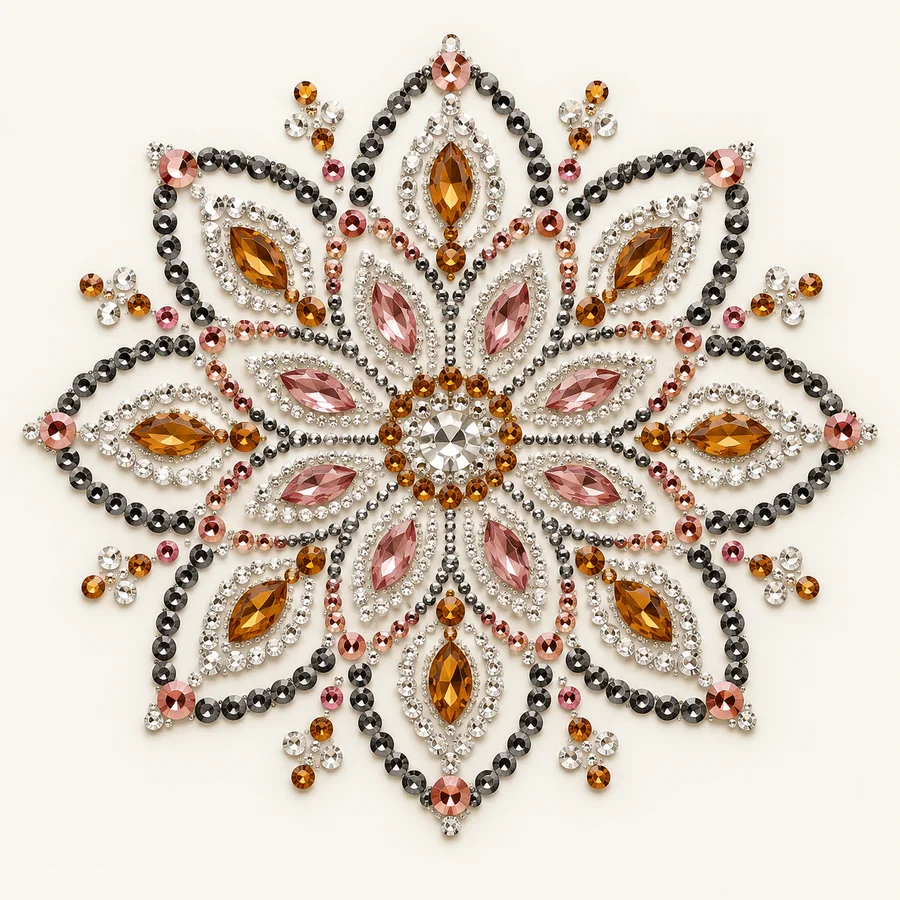
01 / PRODUCT FAMILY
Rhinestone heat transfers
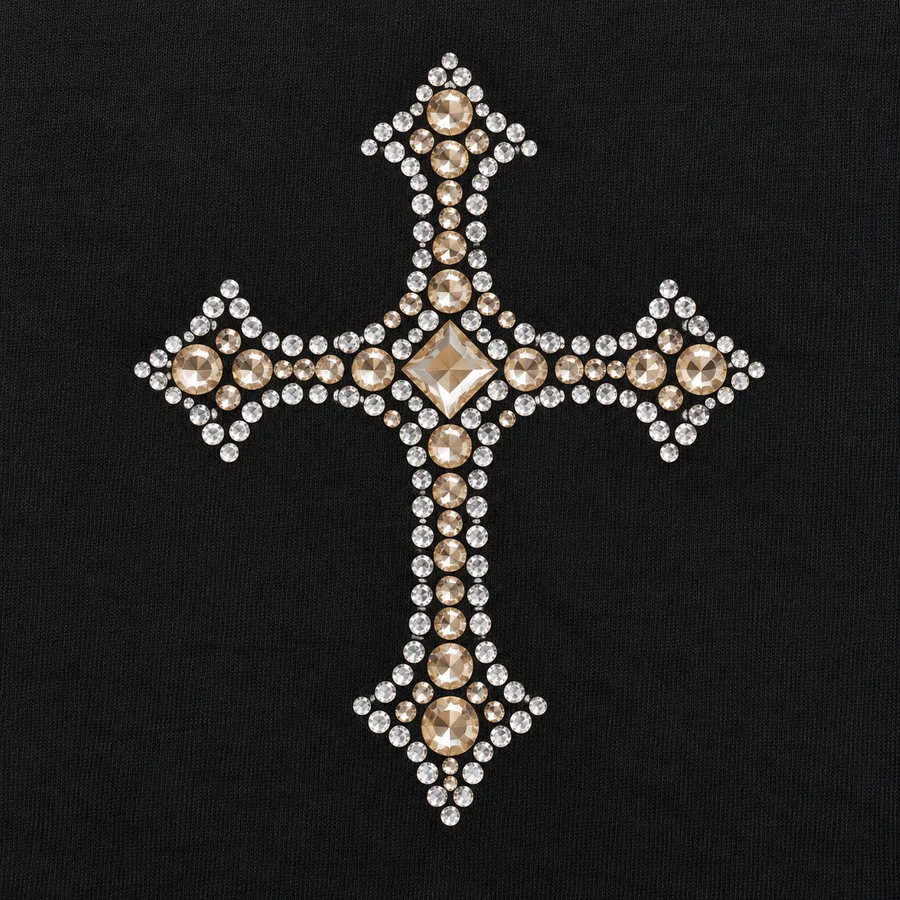
Crystal motifs prepared for a garment application brief.
Choose the motif, placement, crystal palette and fabric before sampling.
Explore this family ↗RHINESTONES · APPAREL · CUSTOM DETAILS
Bring a decoration idea into focus. Explore crystal motifs, embellished apparel and coordinated accessories, then build a brief around your own design.
Original concept imagery · Specifications confirmed per project
EXPLORE THE PRODUCT RANGE
Start with a product family. Shape the materials, artwork and finishing details around the collection you want to build.
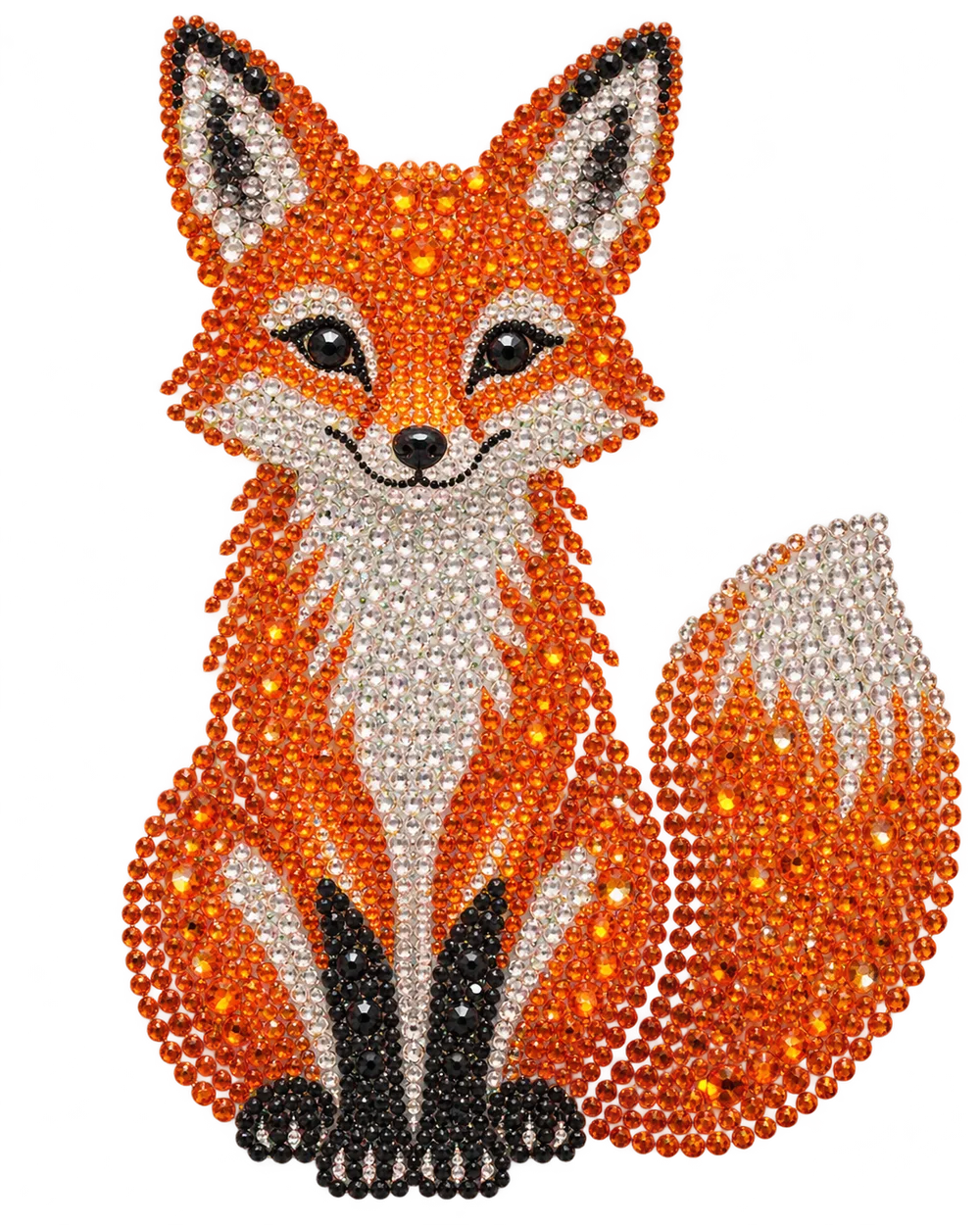
01 / PRODUCT FAMILY
Crystal motifs prepared for a garment application brief.
Choose the motif, placement, crystal palette and fabric before sampling.
Explore this family ↗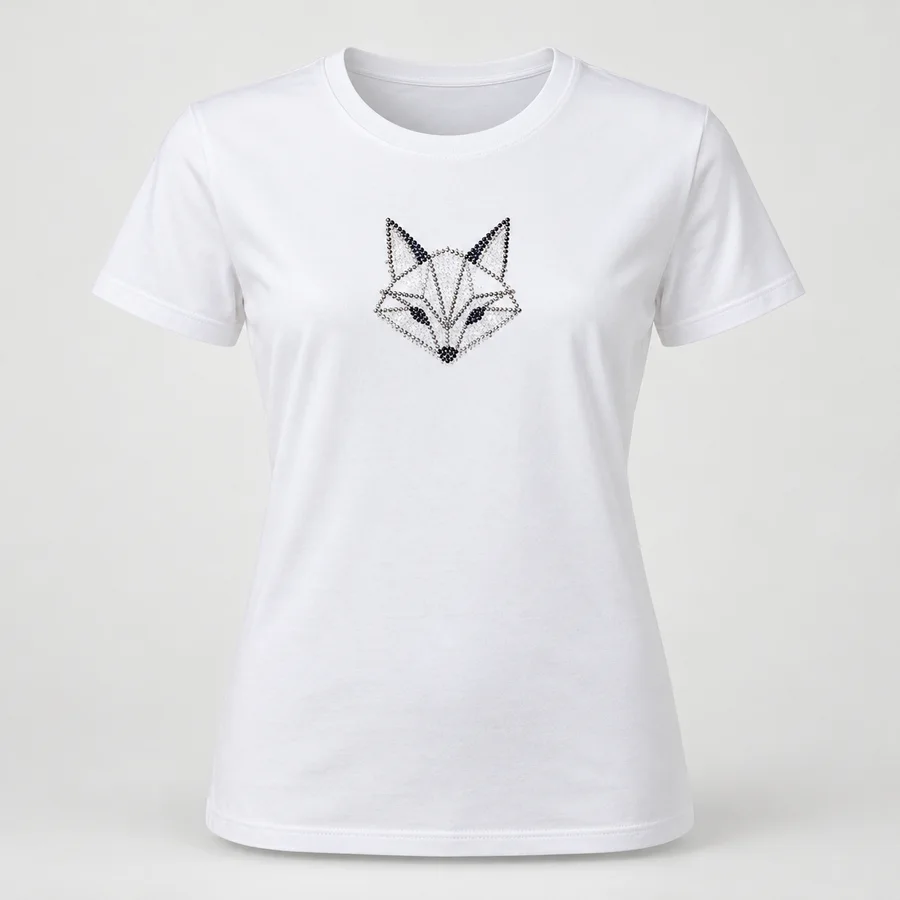
02 / PRODUCT FAMILY
Apparel and embellishment planned as one product.
Review the garment base, fit, decoration position and size breakdown together.
Explore this family ↗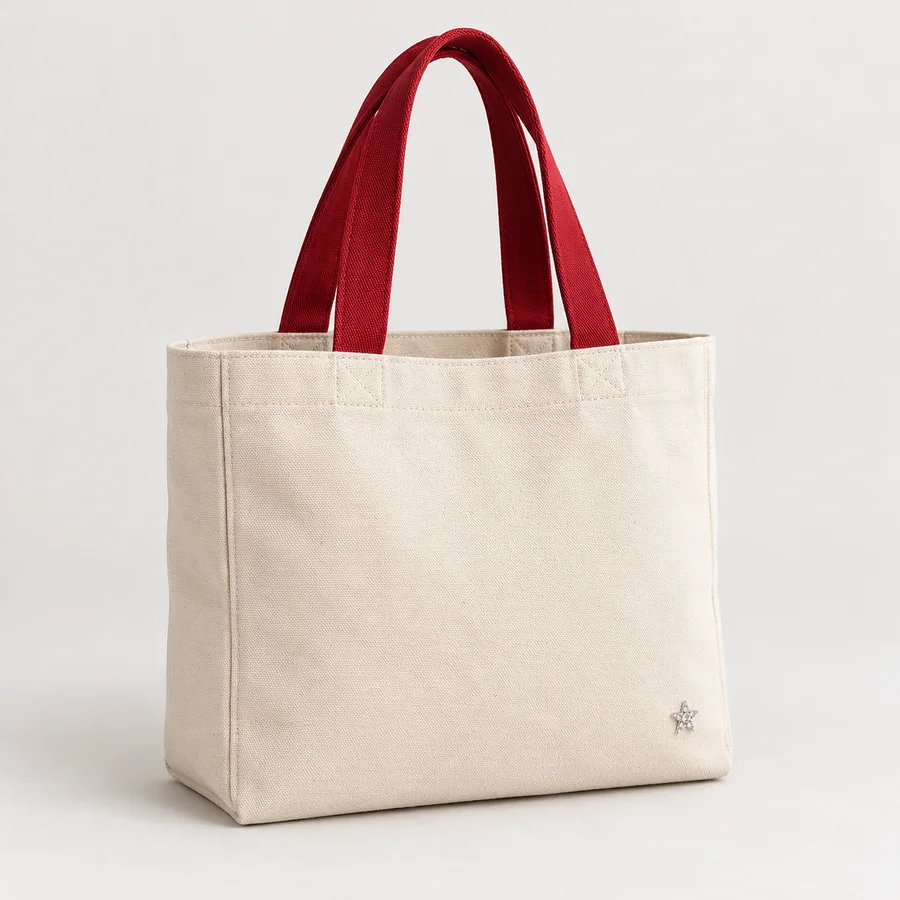
03 / PRODUCT FAMILY
Everyday carry shapes with a decorative finish.
Specify the canvas, handle colour, bag dimensions and artwork position.
Explore this family ↗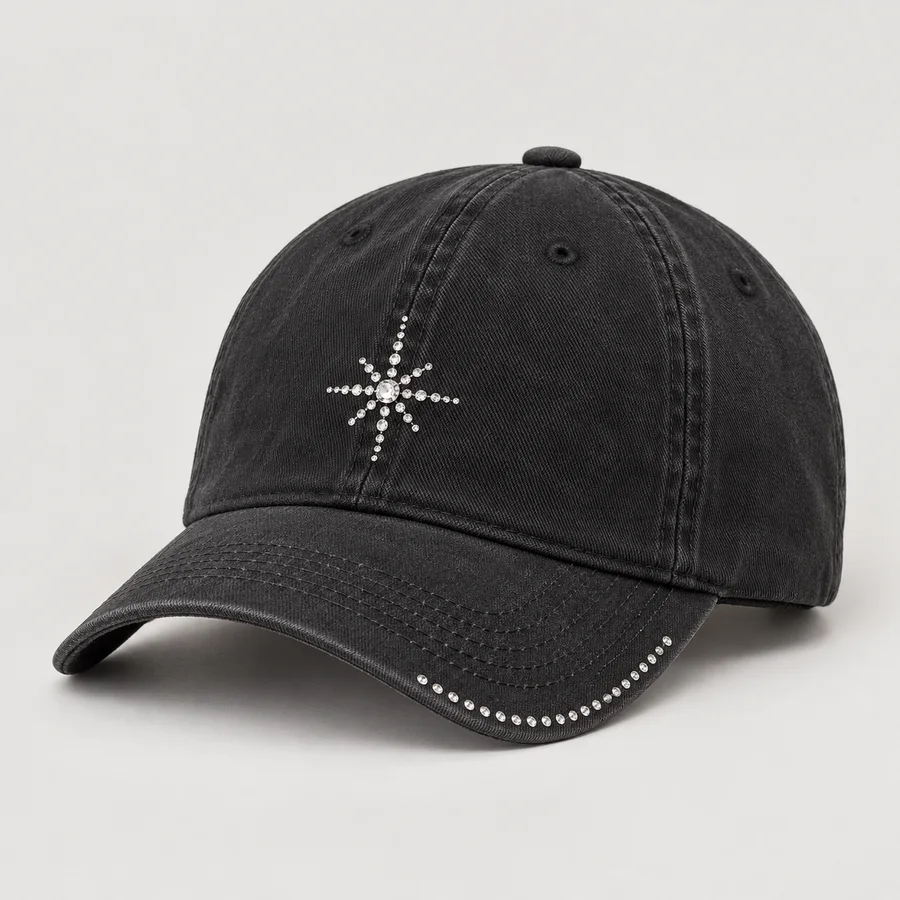
04 / PRODUCT FAMILY
Small details designed around curved surfaces.
Confirm crown construction, decoration area and the application process.
Explore this family ↗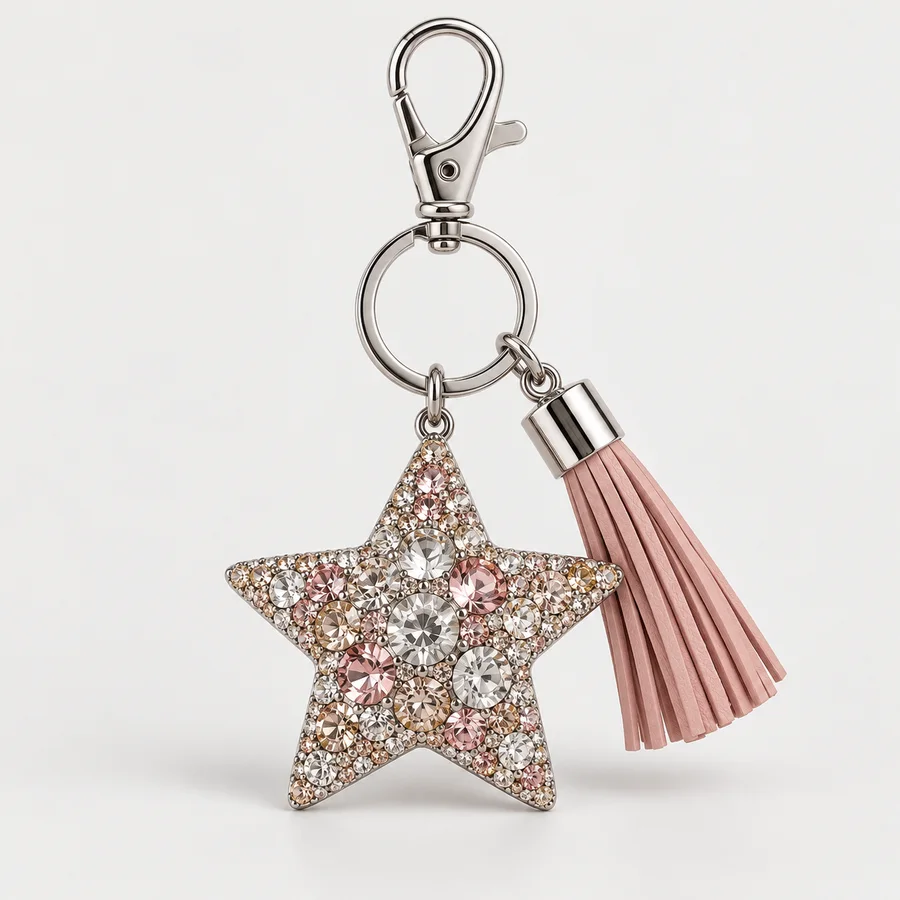
05 / PRODUCT FAMILY
Compact decorative pieces for a finished collection.
Coordinate the motif, attachment hardware, colour and pack presentation.
Explore this family ↗
06 / PRODUCT FAMILY
Stitched shapes for apparel and accessories.
Review thread colours, border construction, backing and placement.
Explore this family ↗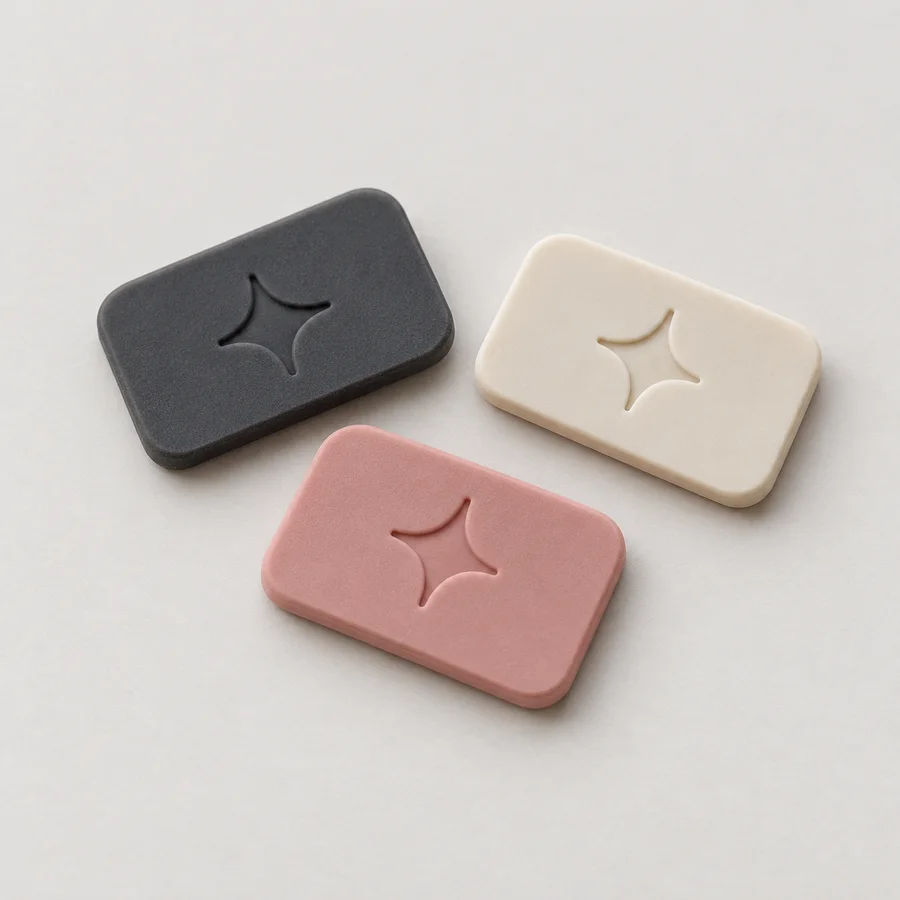
07 / PRODUCT FAMILY
Flexible brand details with practical attachment options.
Confirm dimensions, material, relief, colours and sewing or bonding needs.
Explore this family ↗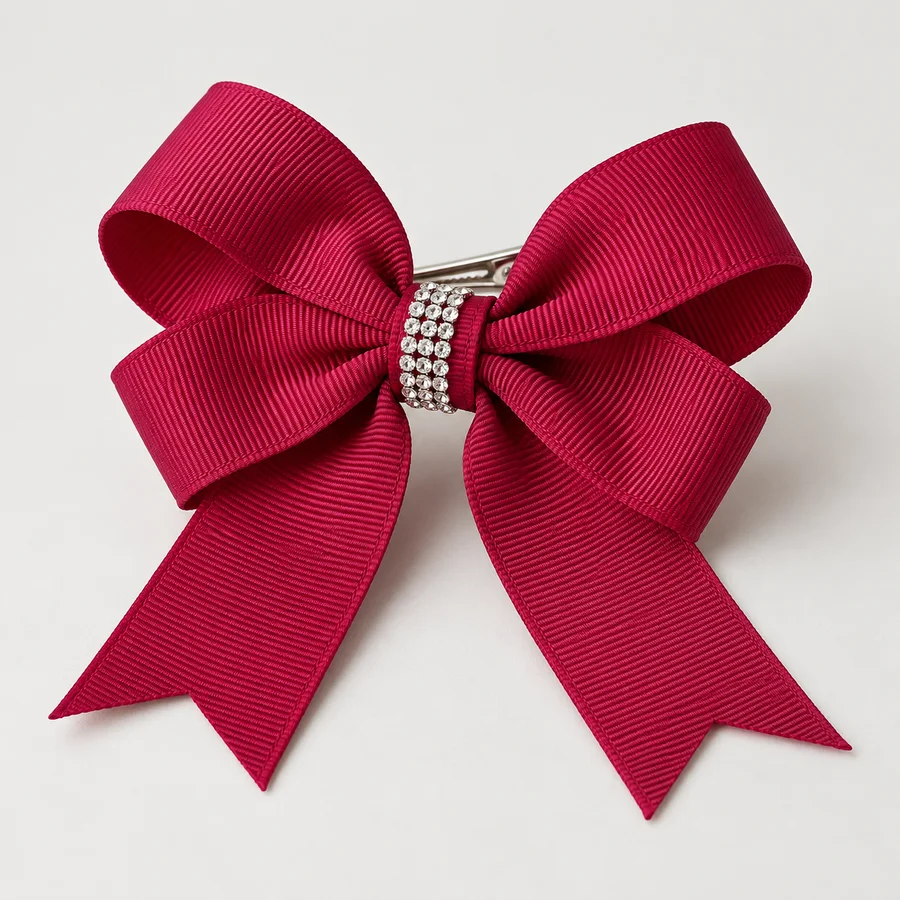
08 / PRODUCT FAMILY
Ribbon forms and crystal accents for coordinated ranges.
Specify ribbon width, finished dimensions, centre decoration and fastener.
Explore this family ↗ONE IDEA, CONNECTED DETAILS
A crystal motif can be the beginning of a wider range. Bring together transfers, garments and accessories with a shared palette and a practical sampling plan.
FROM IDEA TO AN APPROVED SAMPLE
Send a drawing, reference, target dimensions and the intended application.
Review the base fabric, decoration method, colours and construction.
Check appearance, placement and application on the actual substrate.
Agree quantities, packaging, quality criteria and delivery terms in writing.
A VISUAL STARTING POINT
Browse the concept library by product type. Open a design, review its details and carry the reference into your enquiry.
Every image in this preview is an original AI concept. Replace it with your approved product photographs when the catalog is migrated.
Browse the design library ↗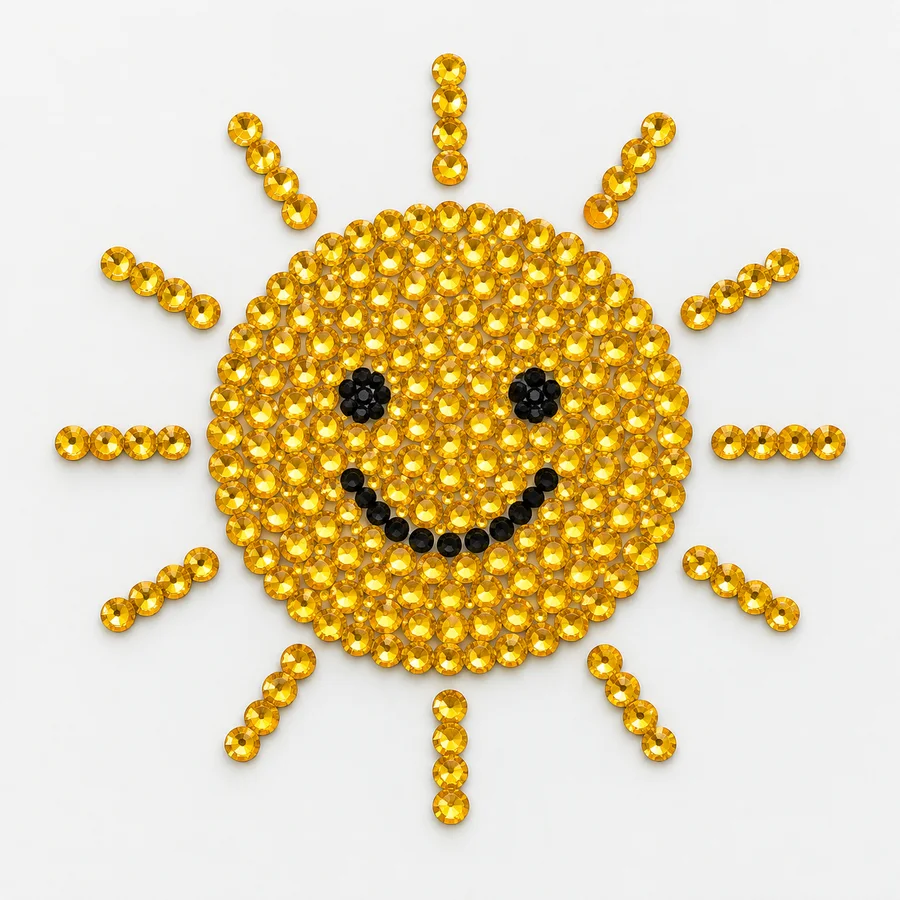
MAKE THE FIRST DISCUSSION USEFUL
BUILD A PROJECT BRIEF
Choose a product family and share the details you already have. This preview uses sample data only.
BEFORE YOU START
Practical notes for preparing an enquiry.
See all project questions ↗These are AI-created demonstration concepts for reviewing the website. Product availability, specifications and commercial terms must be supplied and approved before launch.
Yes. A clear artwork file, intended size and application surface provide a useful starting point. Use only sample files in this sandbox.
Confirm the decoration method with the supplier and test the approved sample on the intended fabric. Temperature, pressure and dwell time depend on the materials.
MOQ is a quotation field. It has not been set for these demonstration records.
A motif can be reviewed across garments, totes and accessories. Each base needs its own construction and application check.
Review each finished size separately. Crystal spacing, fabric movement and attachment details can change when a design is resized.
State the destination, required arrival window and packaging needs. Shipping terms and production timing remain subject to the quotation.
The test form accepts PNG, JPG, WebP and PDF files up to 70 MB. Use a harmless sample file rather than confidential artwork.
Map existing product IDs, categories, variants, photos and old URLs into the new structure. Review the imported data in this sandbox before planning a launch.
The sandbox validates the form, displays a confirmation and sends no email. Submitted details and artwork are not saved in the product database.